
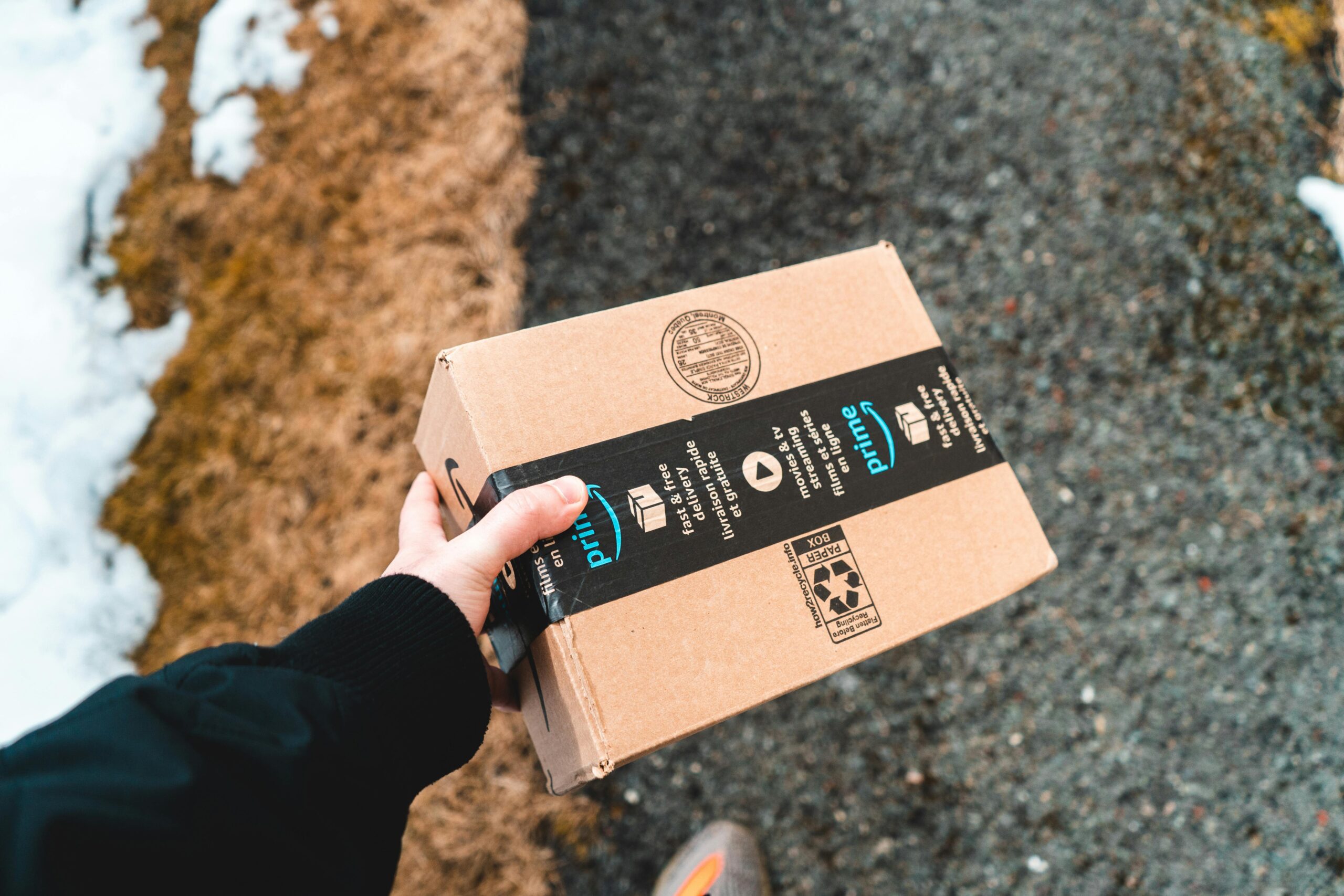
A Prime Day badge is a reason to compare prices, not a reason to buy. Start with the job you need a device to do, choose the exact model, then compare the total price with other retailers. You can shop on Amazon without Prime; membership is needed for its Prime-exclusive offers.
Updated 20 October 2026. This is our year-round shopping guide, not a list of live deals.
The Tech Helper is reader-supported. When you buy through affiliate links on our site, we may earn a commission at no extra cost to you. As an Amazon Associate I earn from qualifying purchases.
When is the next Prime sale?
The October 2026 Prime Big Deal Days event has finished. Amazon confirmed 6–7 October for both the US event and the UK event. Do not treat those dates as next year’s schedule. Check Amazon’s local announcement before planning a purchase around a future sale.
Our October tech-picks page records the offers we checked after that event. Its dated prices are historical comparisons, not a promise that the same discounts are available today.
Do you need Prime?
You need membership for a Prime-exclusive deal, but not for an ordinary Amazon purchase. If you are joining for one item, compare the member price plus any membership cost with the nonmember checkout total and other retailers. A discount can disappear once you include a membership you would not otherwise use.
Trial eligibility is not guaranteed. Before accepting a trial or paid plan, check the renewal date, price and billing frequency on your screen. Membership renews automatically unless cancelled; set a reminder if you do not intend to keep it. US and UK memberships and offers differ.
Five checks that matter more than the discount badge
- Match the exact product. Check the model, generation, storage, colour and condition. An older model or smaller storage option is not the same offer. For accessories, check the device it fits.
- Compare prices, not just percentages. A crossed-out list price does not show what you would normally have paid. Compare the identical item with the manufacturer’s shop and another established retailer.
- Check who sells and ships it. A third-party business can sell an item that Amazon dispatches. Check the selected seller, warranty and return terms rather than relying on the Prime badge.
- Count the extras. Allow for a charger, case, replacement ink or paper, and any subscription needed for the features you want. Choose a one-time purchase unless you actually want repeat deliveries.
- Read the final checkout. Confirm the discount has applied, then check tax, delivery, the address and arrival estimate. A price in your basket can change before you order.
Use price history as a second opinion
CamelCamelCamel offers Amazon price-history charts and price-drop alerts. Search for the exact item and use the shopping location that matches your Amazon store. Check whether the chart refers to Amazon’s offer, a third-party new offer or a used item.
A chart is a record of prices the service observed, not proof of every buyer’s final bill. Check coupons, delivery costs and membership-only discounts separately. When an alert arrives, go back to the product page and check the seller, condition and checkout total again.
Choose the device before chasing the sale
Write down your budget and the two or three things the device needs to do. For someone helping a relative, include setup and everyday comfort: readable controls, a manageable size and compatibility with the equipment they already use. Avoid buying a more complicated gadget just because its advertised saving is larger.
Start with our computer buying guide, iPad guide or TV-speaker guide, then recheck current models, prices and seller details before buying.
Avoid fake sale messages
If an unexpected email or text advertises an Amazon offer, open the app or type the store’s address yourself. Never give a caller your password or sign-in code. Our online-shopping scam guide explains more warning signs.
Shopping on Amazon?
If you are considering a purchase, check Amazon Prime membership and free-trial eligibility. Eligible customers may be offered a 30-day free trial. Prime is optional: compare the total price and delivery costs before deciding whether it is worthwhile for you.
Membership renews automatically at the price shown by Amazon unless you cancel. Check the eligibility rules, terms and renewal date before joining.
Affiliate disclosure: The Tech Helper may earn a commission if you join through this link, at no extra cost to you.
UK readers: check Amazon UK’s event page for local offers and information. The October event has ended; US prices and availability do not apply to UK purchases.
How this guide was prepared: AI assistance was used to research and update this advice from published guidance. We have not carried out a new hands-on product test or verified live product discounts for this update.
Comments
2 responses to “Amazon Prime Day: how to actually get a good deal”
[…] For more on checking discounts, see our year-round Prime Day shopping guide. […]
[…] Compare the exact model, condition, included accessories and delivered total with another established retailer. A crossed-out price alone does not establish a bargain. For price-history checks and Prime-specific offers, use our separate guide to checking Amazon deals. […]